Samsung
Invert Colors on Samsung Galaxy A13
Color Inversion for Samsung Galaxy A13, Enabling Color Inversion for Samsung Galaxy A13,How to Enable Screen Color Inversion for Samsung Galaxy A13,Inverting colors on Samsung Galaxy A13.
How to Enable Color Inversion on Samsung Galaxy A13?
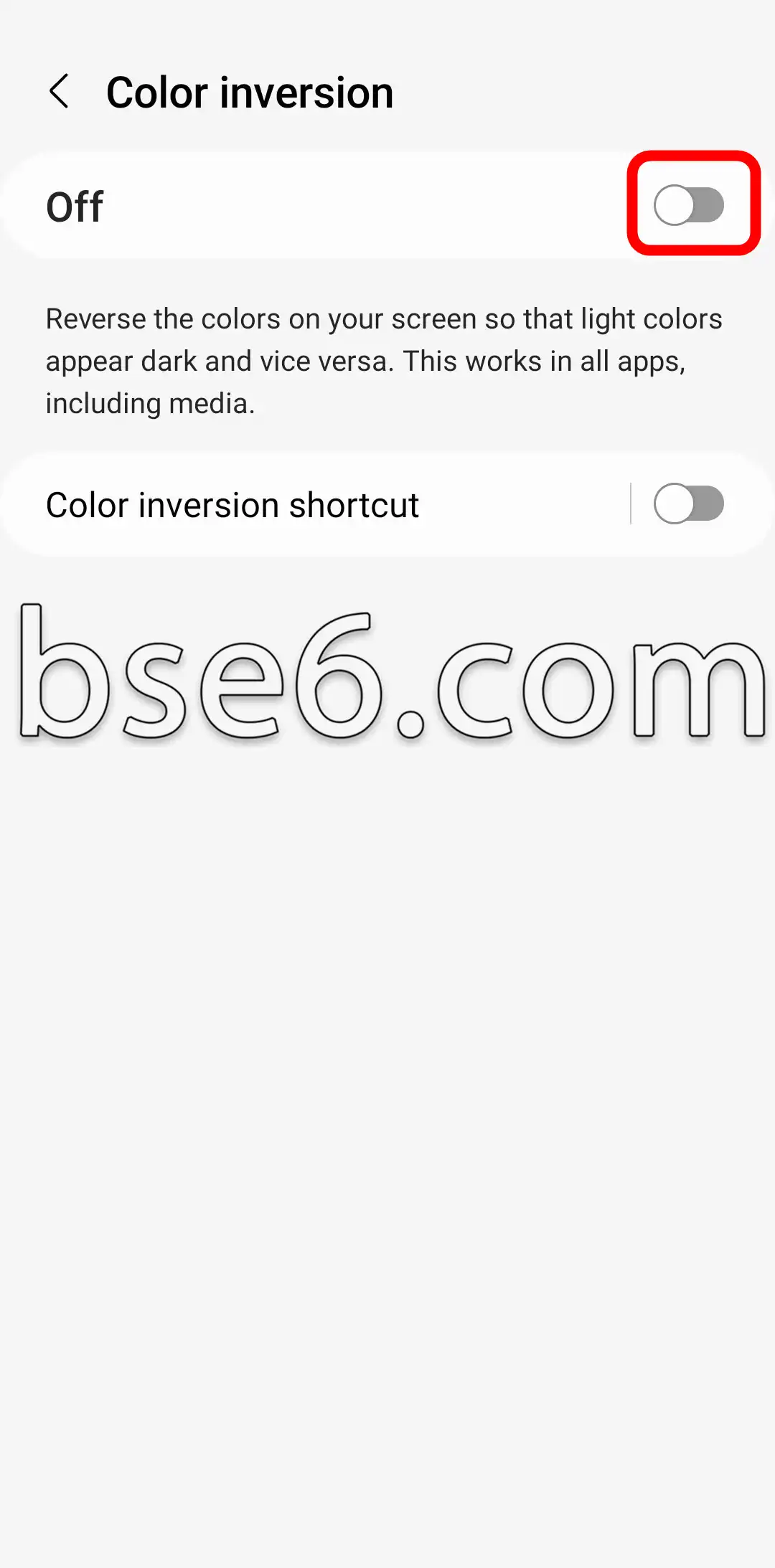
You can enable the color inversion feature on your phone to invert the screen colors of your Samsung Galaxy A13. When enabled, your screen colors will swap, making light colors appear dark and vice versa. This feature works across all applications, including media. Simply follow the steps below to invert the screen colors on your Samsung Galaxy A13:
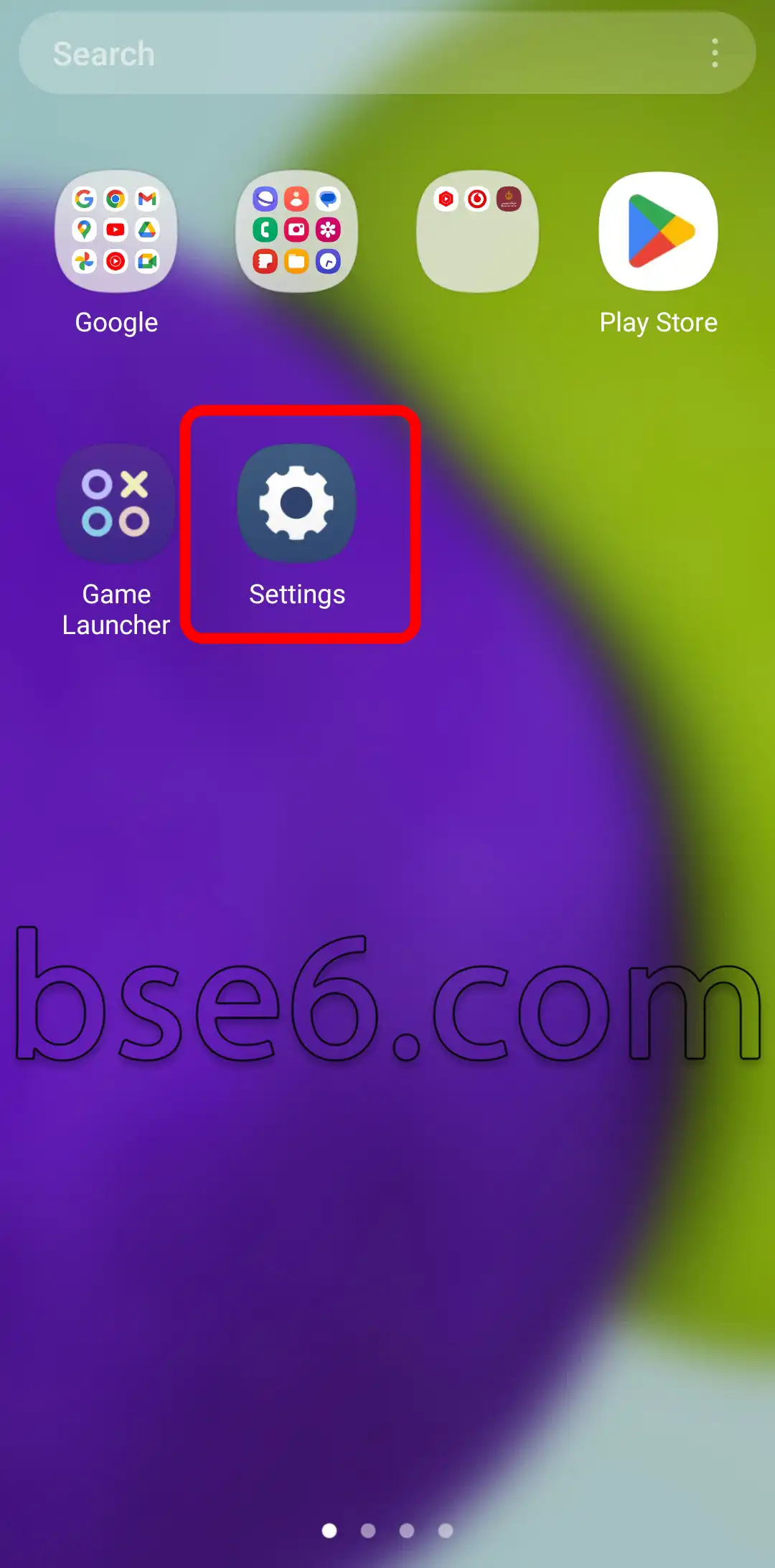
1- Go to “Settings”.
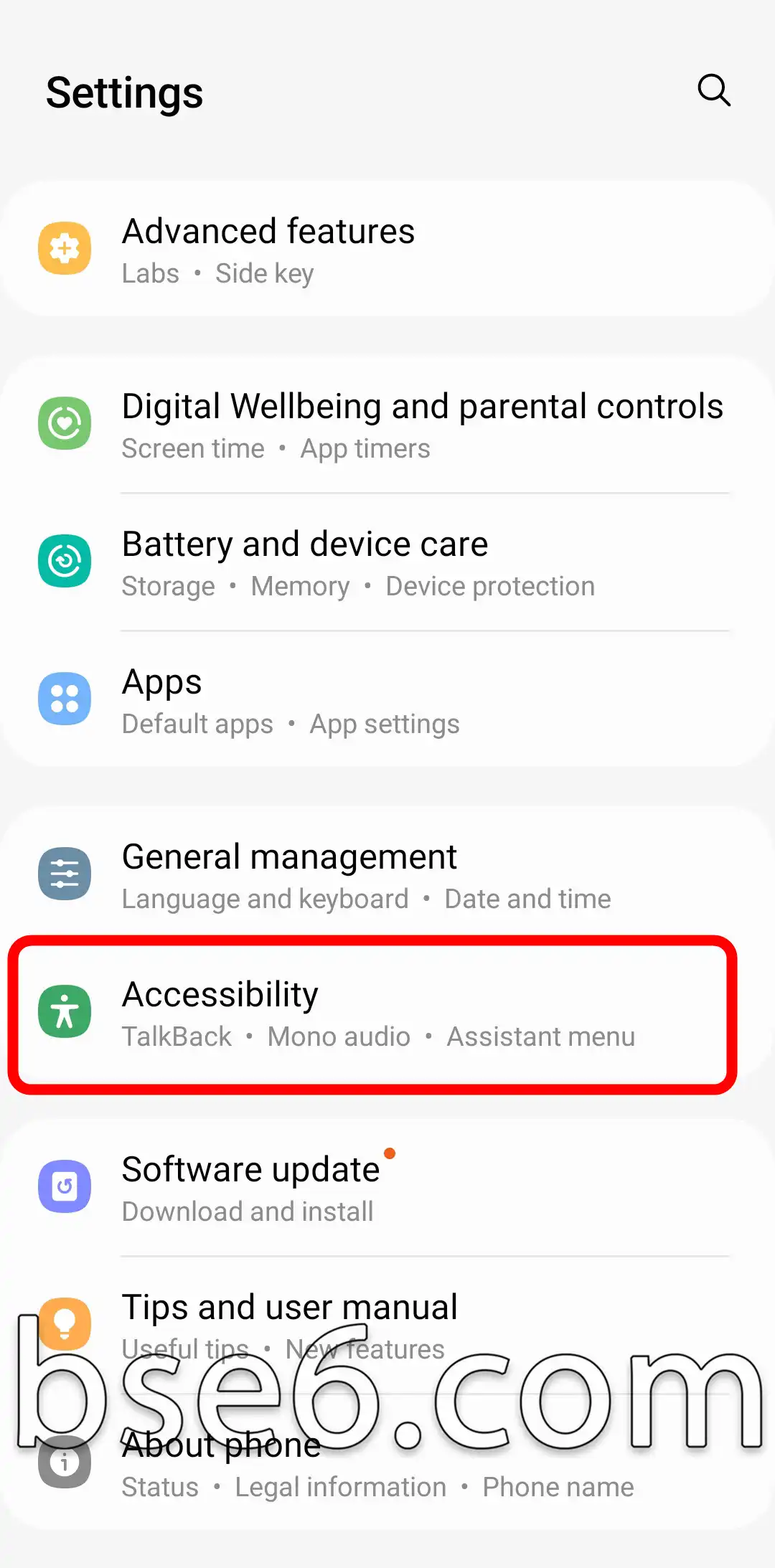
2- Tap on “Accessibility”.
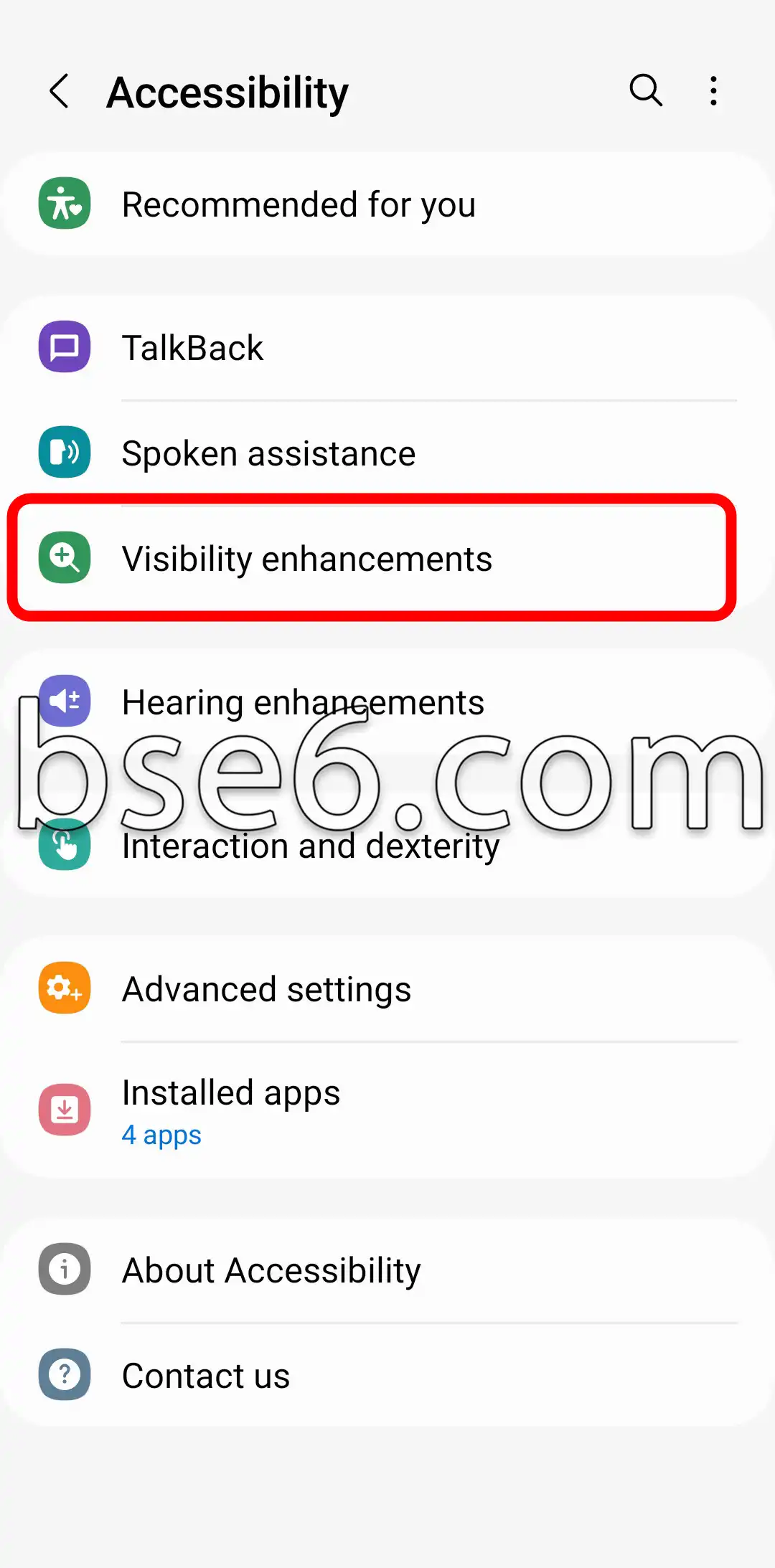
3- “Visibility enhancements”.
4- Select “Color inversion”.
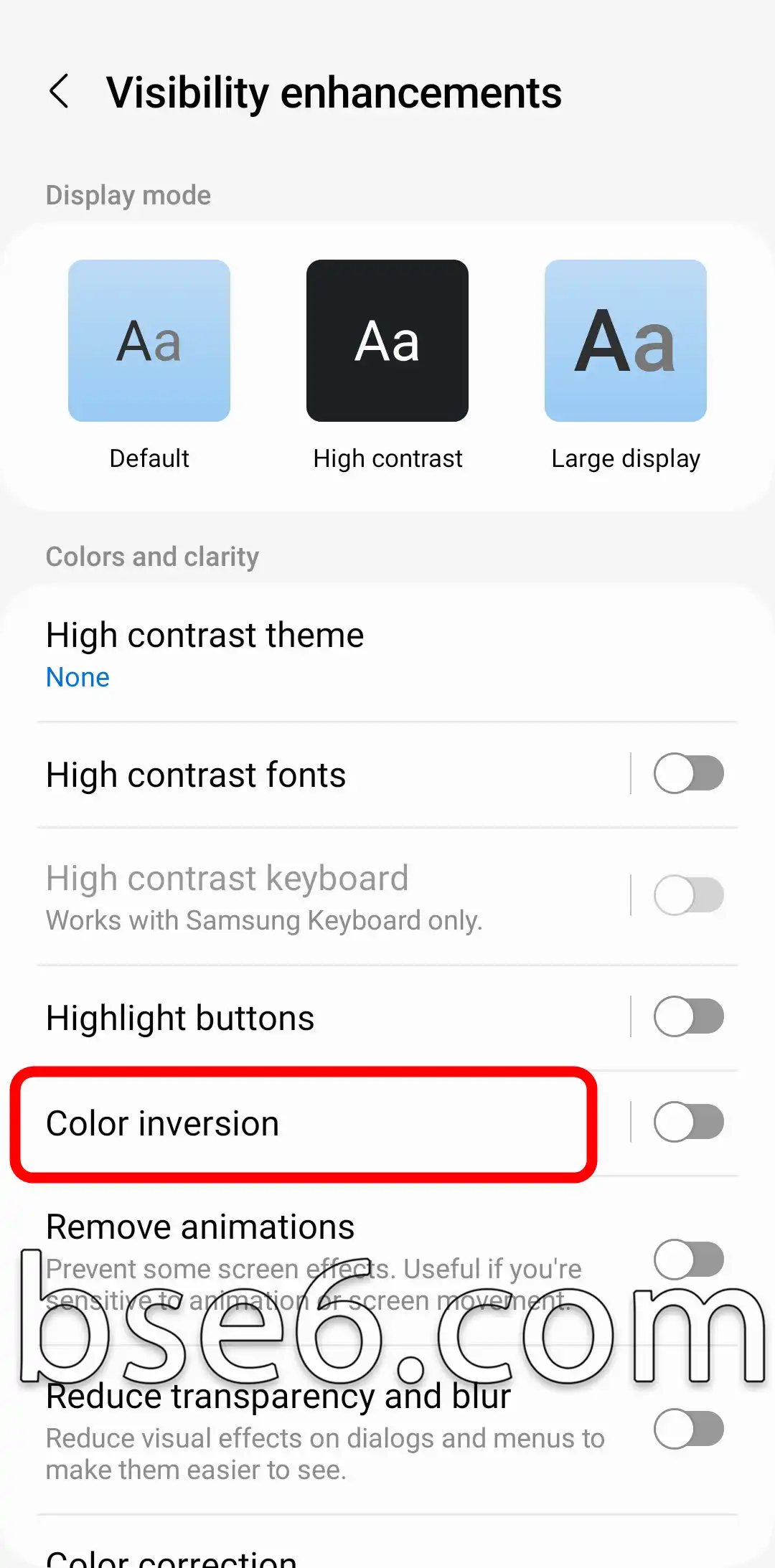
5- Turn on the switch shown in the image to enable color inversion mode on your phone.