
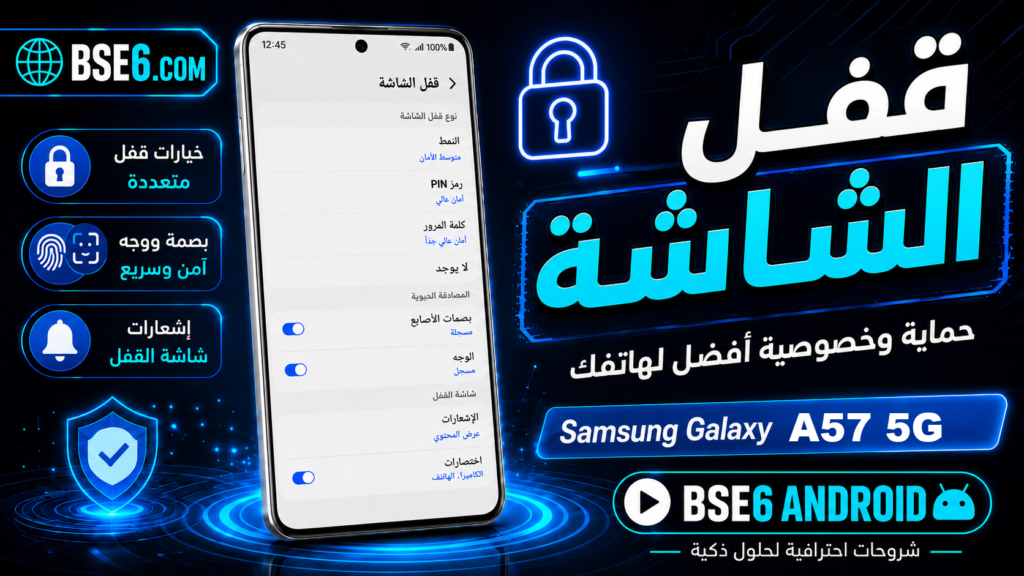
How to Set Up a Screen LockSamsung Galaxy A36 5GHow to Create a Passwordfor Samsung Galaxy A36 5GMethods to Set Up a Screen Lock on Samsung Galaxy A36 5G.
In these steps, we will guide you through setting up a screen lock on your Samsung Galaxy A36 5G phone using a PIN, pattern, or password. Please exercise caution when locking your phone with a password, as forgetting the unlock code for your Samsung Galaxy A36 5G device will result in the loss of your phone’s data.
How to Set a Password for Samsung Galaxy A36 5G?
1. Go to “Settings.”

2. Tap “Lock screen.”

3- Tap on “Screen lock type”.

4- Select your desired screen lock.

5- Set up the screen lock and tap on “Continue”.

6- Enter the screen lock and tap on “Confirm”.

7- Tap on “Done”.

8- A screen lock has been set up on your Samsung Galaxy A36 5G.
How to add a fingerprint on Samsung Galaxy A36 5G?
1- Go to “Settings”.
2- Tap on “Lock screen”.
3- Tap on “Screen lock type”.
4- Tap on “Fingerprints”.

5- Tap on “Continue”.

6- “Enroll”.

7- Repeatedly place your finger on the fingerprint sensor.

8- After successfully adding your fingerprint, tap on “Done”.

How to Set Up Face Recognition on Samsung Galaxy A36 5G
1- Open “Settings”.
2- Go to “Lock screen”.
3- Tap on “Screen lock type”.
4- Tap on “Face”.

5- Tap “Continue”.

6- Center your face within the circle on your phone’s screen, ensuring good lighting for the process to succeed.
7- If you successfully add your face, the phone will display another page, and you can tap “Done”.
How to Disable the Screen Lock or Password on Samsung Galaxy A36 5G?
1- Open “Settings”.
2- Tap “Lock screen”.
3- Tap “Screen lock type”.
4- Select “Swipe”.

5- Tap “Remove data” (this refers to screen lock and fingerprint data, not your phone’s personal data).

6- “Remove”.

7- Your phone’s screen security data has been deleted.
How to Factory Reset a Samsung Device if You Forgot the Password?
If you wish to perform a factory reset on your Samsung Galaxy A36 5G phone using the external buttons because you’ve forgotten the screen lock, please be aware that formatting the device to unlock the screen will erase all data on your phone.
To perform a Hard Reset, go to the Samsung Galaxy A36 5G Factory Reset page.